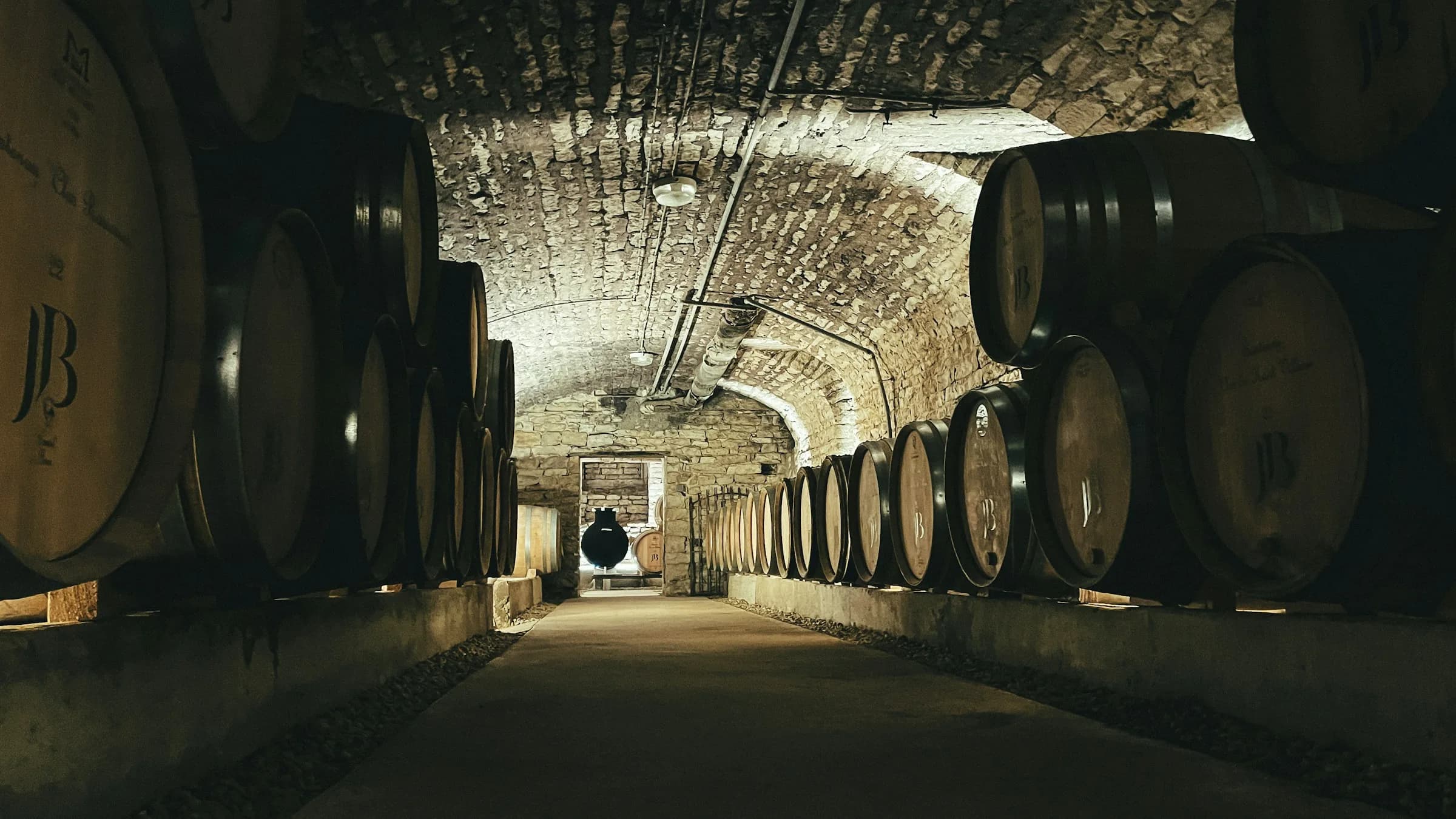
A client of mine, a winery in the Penedès, has a corporate site built in WordPress with Elementor and a separate WooCommerce shop on a subdomain. The site works. It ranks. Nobody wants to touch the shop, because the shop takes money through a bank gateway and money is not where you go looking for adventure.
So the brief is the usual one: make the corporate site look like it was built this decade, don't break anything.
The first thing worth saying out loud, because it changes the whole shape of the project: what gets retired is Elementor, not WordPress. WordPress stays as the data store and the admin panel. The people who edit that site already know wp-admin, and replacing a CMS that works is a great way to spend a month delivering nothing. What dies is laying out pages by hand in a page builder.
That means going headless: WordPress keeps the content, Next.js renders it, and Google needs to not notice that anything happened. This post is about the third part, because rendering the content is a weekend and the URL migration is where projects actually go wrong.
The decision that comes before any code
Before writing a line of the new front end, export a traffic baseline from Search Console and read it properly. Not to feel good about the numbers. To find out whether you're about to cement an existing problem into a new codebase.
In this case the export said something uncomfortable. The corporate site and the shop were both ranking for the same products, with near-identical URLs on two different domains:
| URL | Position |
|---|---|
example.com/producto/cava-brut-nature/ | ~9 |
shop.example.com/producto/cava-brut-nature/ | ~7 |
Same product. Two domains. Each pulling roughly the same handful of clicks, each keeping the other out of the spot it could have had alone. Textbook cannibalization, and it had been quietly running for years.
A "faithful" migration, where you rebuild the corporate site page for page and leave the shop alone, preserves that. You'd do the work, keep the traffic, and inherit the bug. So the domain strategy has to be settled before the redirect map, because the map is where the decision gets written down:
- One public domain. The new front end is the only indexable site, reading prices and stock from the shop's API. The shop stays as a cart and checkout backend, on
noindex. All the authority accumulates in one place. The cost is reconciling two product catalogues that drifted apart over years, which is fuzzy matching plus a human reading a spreadsheet. - Minimum viable fix. Don't merge the catalogues, but at cutover put a cross-domain canonical or a
noindexon one side so the two stop competing. Cheap, and it captures most of the benefit. - Change nothing. Both domains keep fighting. This is the option you pick by accident when nobody looks at the baseline.
Whichever you choose, choose it before DNS. Deciding this after the cutover means a second migration.
Read-only headless is a cheap kind of safe
The new front end never writes to WordPress. Not once. It reads the public REST API and that's the entire integration surface.
This sounds like a limitation and it's mostly a gift. The live site cannot break because of anything the new one does, which means you can build the replacement in production-adjacent conditions for weeks with zero risk to the thing paying the bills. There's no sync to reconcile, no write path to secure, no webhook that fires twice.
Two APIs cover it. wp/v2 for content and custom fields, and Woo's wc/store/v1 for prices and stock, which is public and doesn't need consumer keys:
const SHOP = process.env.WP_URL!;

const res = await fetch(
  `${SHOP}/wp-json/wc/store/v1/products` +
    `?category=${catId}&per_page=100` +
    `&_fields=id,slug,name,prices,is_in_stock,permalink,images`,
  { next: { revalidate: 3600 } },
);
Two details in there earn their keep. _fields trims the response to what you actually render, and a Woo product payload without it is enormous. And revalidate: 3600 means an editor's change shows up within the hour without a deploy, which is the whole point of keeping WordPress: the client edits a product, the site updates, nobody opens an editor.
The taxes nobody warns you about are small and constant. WordPress returns HTML entities in JSON, so ' and & arrive in your product names and you need a decode step at the boundary. Collections paginate, and the honest way to walk them is the x-wp-totalpages header rather than guessing when to stop. And if you cache the category tree in a module-level promise, remember to clear it when the fetch fails:
let treeCache: Promise<ShopCat[]> | null = null;

function loadTree(): Promise<ShopCat[]> {
  if (!treeCache) {
    treeCache = fetchWholeTree().catch((e) => {
      treeCache = null; // don't cache the failure for the life of the process
      throw e;
    });
  }
  return treeCache;
}
Otherwise one bad minute on the WordPress host poisons the cache until the next deploy, which is a fun afternoon.
Put the content in fields, not in layouts
The product pages needed structured tasting notes: appellation, grape varieties, ageing, ABV, appearance, nose, palate, food pairing, serving temperature, awards.
In the Elementor version, all of that lived inside hand-built page layouts, and some of it lived in PDFs. Which means it didn't really exist as data. You can't sort it, filter it, put it in a comparison table, or feed it to a schema.org block, because it's decoration.
So the migration moved it into ACF fields and typed the shape on the front end:
export type Tasting = {
  denominacion?: string;
  variedades?: string;
  crianza?: string;
  graduacion?: string;
  vista?: string;
  aroma?: string;
  boca?: string;
  maridaje?: string;
  premios?: string;
};
Every field optional, because real catalogues are half-filled and a renderer that throws on a missing ageing note is a renderer that takes the site down at 2pm on a Tuesday.
The migration itself was a handful of throwaway Node scripts hitting the WP API, one per batch of the catalogue, plus a script that lists what's still empty so somebody can chase it. Not elegant. It ran once. The point of this step isn't the scripts, it's that afterwards the content is editable in wp-admin by a person who doesn't know what a deploy is. If you migrate a page builder into hardcoded JSX, congratulations, you are now the CMS.
Keep the preview out of Google
While you build, the new site lives on a preview URL with a real, crawlable copy of the client's entire catalogue on it. If Google indexes that, you've built yourself a third competitor for the two you already had.
One file, gated on an explicit flag:
export default function robots(): MetadataRoute.Robots {
  if (!site.isLive) {
    return { rules: { userAgent: "*", disallow: "/" } };
  }
  return {
    rules: { userAgent: "*", allow: "/" },
    sitemap: `${site.url}/sitemap.xml`,
    host: site.url,
  };
}
Where isLive is false unless the site is being served from the real domain (or an env var says otherwise). The nice property is that indexing turns itself on as part of the cutover, when the domain changes, instead of relying on someone remembering to flip it. The same flag drives the canonical base and whether the sitemap gets published at all.
The redirect map is the migration
Everything above is a normal build. This is the part that decides whether traffic survives.
Start by figuring out what needs no rule at all. Crossing the live sitemap against the new routes, the shape here was roughly 200 product pages, 74 Woo category archives, and 44 Elementor pages. The products keep their path (/producto/{slug} on both sides), so they need zero rules, and Next already redirects the trailing-slash variant on its own. That's the majority of the indexed URLs handled by doing nothing, which is the best kind of handled.
What's left are the category archives, whose prefix changes, and the Elementor landings, whose slugs change. Fifty-five rules, eight of them wildcards. A few things I'd do the same way again:
Specific rules before wildcards. Next applies the first match, so a broad prefix rule placed above a narrow one silently eats it. Overrides for the handful of broken legacy slugs go at the top, the :path* catch-alls go at the bottom:
// Broken slug in WP, no equivalent in the new tree
{ source: "/categoria-producto/vinos-internacionales/italianueva-zelanda",
  destination: "/catalogo/vinos-internacionales/nueva-zelanda", statusCode: 301 },

// ...then the wildcard, because the slugs below this prefix map 1:1
{ source: "/categoria-producto/vinos-internacionales/:path*",
  destination: "/catalogo/vinos-internacionales/:path*", statusCode: 301 },
Write statusCode: 301 explicitly. Next's permanent: true emits a 308. A 308 is technically correct and search engines handle it, but 301 is the status every tool, crawler and third-party audit understands without a footnote. On a migration whose entire purpose is transferring ranking signals, be boring.
Send orphans to the nearest parent, not the homepage. Some legacy pages have no equivalent (a country page that's now just a filter, a producer with two products). Those go to the category above them, where the user still finds something relevant. Dumping them all on the homepage is the classic way to turn 40 redirects into 40 soft 404s.
Don't forget the media. Google had PDFs and images indexed under /wp-content/. After the cutover, WordPress lives on a cms. subdomain and those paths would 404 on the new front end, so they get their own rule:
{ source: "/wp-content/:path*",
  destination: "https://cms.example.com/wp-content/:path*", statusCode: 301 },
One thing to expect if you inherit an Elementor site: a lot of the indexed URLs end in -2. Pages that got created twice over the years, where WordPress appended a suffix to deduplicate the slug, and the duplicate is the one that ranks. Those go in the map as they are. Your opinion about which URL deserved to rank is not relevant.
The cutover, in the only order that works
Every step here exists because doing it later breaks something.
- Full backup of both WordPress installs, and a restore point you've actually tested.
- Drop the DNS TTL to 300 seconds, 24 to 48 hours ahead. This is what makes the rollback fast, and it has to happen before the day itself.
- Move WordPress to
cms.by updatinghomeandsiteurl, then confirm the REST API still answers from the new host. - Point the front end at
cms.via env var and redeploy. Verify the catalogue, the ACF fields and the images all still resolve before any user traffic depends on it. - Set
cms.tonoindex. WordPress is now serving the same content as your front end and it will happily compete with you. Important: this is a robots-level block for crawlers only. Do not blockwp-jsonorwp-contentat the server level, because your own site needs them. - Point the apex domain at Vercel. Add both apex and
www, and redirectwwwto apex. Check the baseline forhttp://www.traffic first, it's usually not zero and it's the easiest thing in this entire list to lose. - Flip the site to live (the env var that drives
isLive) and redeploy, which turns on indexing, the canonical and the sitemap in one move.
Then, in the first hours: spot-check that redirect chains end in a 200 and not in another redirect, confirm robots.txt allows crawling and advertises the sitemap, view source on the live pages to make sure no stray noindex shipped, submit the new sitemap in Search Console, and run URL Inspection on the homepage and top pages.
My favourite item on the pre-flight checklist, and the one that best captures what these projects are actually like, wasn't about redirects at all. The hosting disk was at 93%. A full disk breaks backups silently, and a migration without a restore point isn't a migration, it's a bet. So the blocker on a Next.js 16 headless rebuild was: delete some files.
The rollback is the point
Because WordPress survives untouched on cms., the backup exists, and the TTL is low, the rollback is three steps: point DNS back at the old host, restore home and siteurl, wait a few minutes.
That's worth designing for even if you never use it. A migration you can undo in ten minutes is a decision; one you can't is a leap. It also changes the conversation with the client, because "we can be back on the old site by lunch" is a sentence that gets you the go-ahead.
Afterwards, watch for a month rather than a day. Expect clicks to dip for the first week or two while Google recrawls and re-attributes, that part is normal and not evidence of a mistake. If it hasn't recovered at four weeks, the redirect map is wrong somewhere and it's time for a full crawl looking for 404s and long redirect chains. And keep WordPress alive on cms. for six to twelve months minimum, because both your API and your /wp-content/ redirects depend on it. The cheapest way to lose the traffic you just protected is to cancel the old hosting in month three.
The takeaway
Rendering WordPress content in Next.js is not hard, and it stopped being interesting a few years ago. If you want the wider version of how I put these projects together, the weekend AI-product stack covers the rest of the toolkit.
The risk in a headless migration lives entirely in the seam. Google holds a detailed map of the old site, built over years, and on cutover day you are the only one who can hand it the new one. Everything above is just being careful with that handoff: read the baseline before you design, decide the domain question before you write rules, keep the old CMS breathing behind a subdomain, and make sure you can put it all back before you take it apart.